



Introduction
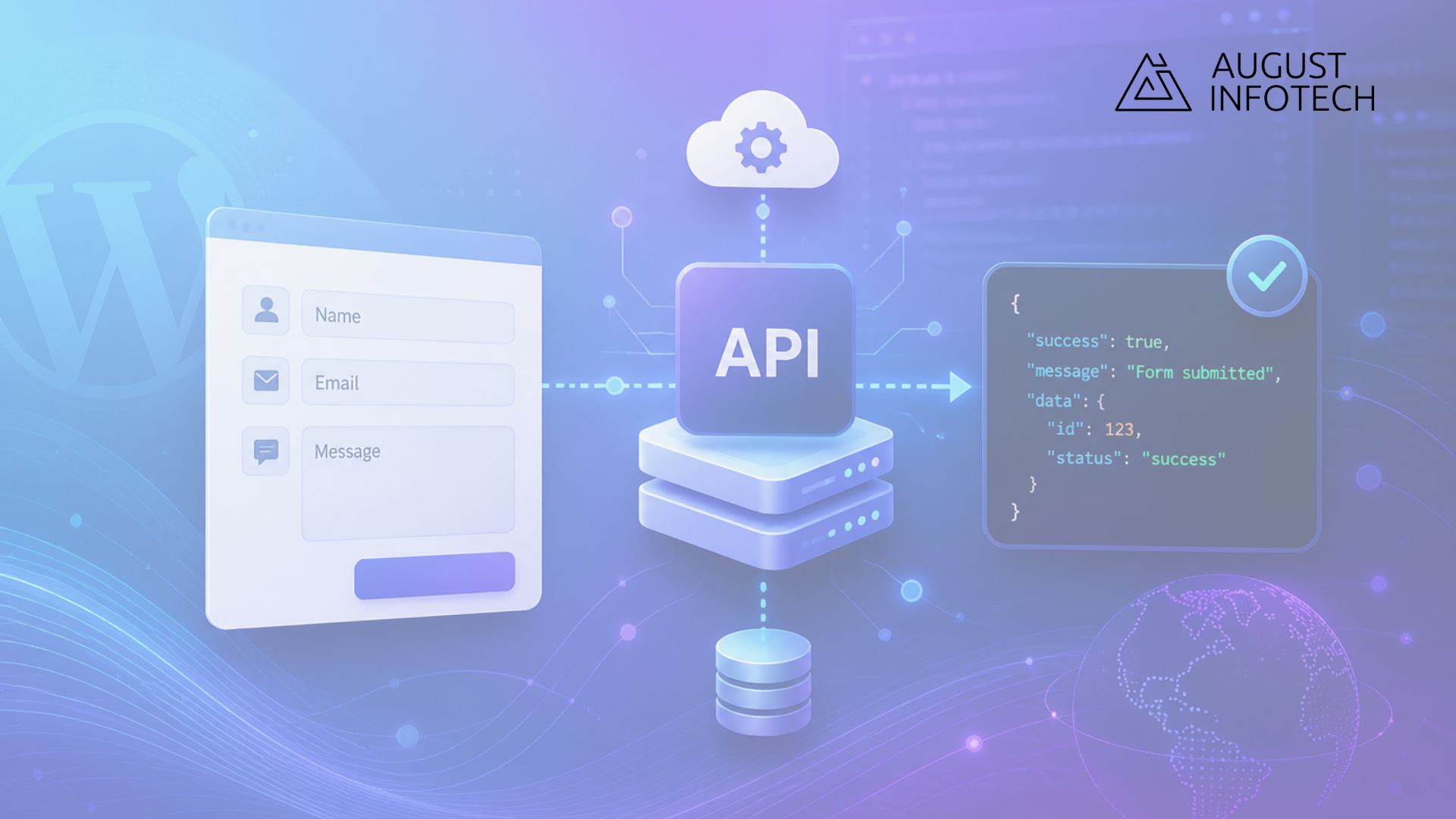
If you’re building custom forms and still posting data to admin-ajax.php, here’s the thing, you’re leaving better options on the table. Using WordPress REST API as a backend for custom forms gives you cleaner architecture, clearer data handling, and more flexibility, especially if your frontend is custom or decoupled.
Let’s break it down.
When someone submits a form, all you really need is a structured way to send data to WordPress, validate it, process it, and respond with JSON. That’s exactly what the REST API is built for. No hacks. No awkward workarounds.
Why use the WordPress REST API for form submission?
A form submission is just a POST request. The WordPress REST API already speaks that language fluently.
What this really means is:
- You define your own endpoint.
- You control validation.
- You return structured JSON responses.
- You’re not tied to theme templates.
This is especially useful when you’re building:
- A custom frontend with React, Vue, or vanilla JS
- A WordPress headless form backend
- External integrations that need structured responses
- A system where performance and clarity matter
Instead of forcing everything through traditional theme functions, you treat form handling like an API, because that’s what it is.
Step 1: Register a custom WordPress form API endpoint
Start by creating a custom endpoint. This gives your form a dedicated route to send data to.
Add this to your theme’s functions.php or, better yet, a custom plugin:
add_action('rest_api_init', function () {
    register_rest_route('custom/v1', '/form-submit', array(
        'methods'  => 'POST',
        'callback' => 'handle_custom_form_submission',
        'permission_callback' => '__return_true'
    ));
});

function handle_custom_form_submission(WP_REST_Request $request) {

    $name  = sanitize_text_field($request->get_param('name'));
    $email = sanitize_email($request->get_param('email'));
    $message = sanitize_textarea_field($request->get_param('message'));
if (empty($name) || empty($email)) {
        return new WP_REST_Response(array(
            'success' => false,
            'message' => 'Required fields missing.'
        ), 400);
    }

    // Example: Insert into database
    wp_insert_post(array(
        'post_title'   => $name,
        'post_content' => $message,
        'post_status'  => 'publish',
        'post_type'    => 'contact_entry'
    ));

    return new WP_REST_Response(array(
        'success' => true,
        'message' => 'Form submitted successfully.'
    ), 200);
}
Now your custom WordPress form API endpoint lives at:
/wp-json/custom/v1/form-submit
Clean. Predictable. Easy to test.
Step 2: Send WordPress REST API POST form data from JavaScript
Now let’s connect the frontend.
fetch('/wp-json/custom/v1/form-submit', {
    method: 'POST',
    headers: {
        'Content-Type': 'application/json'
    },
    body: JSON.stringify({
        name: document.querySelector('#name').value,
        email: document.querySelector('#email').value,
        message: document.querySelector('#message').value
    })
})
.then(response => response.json())
.then(data => {
    if (data.success) {
        alert('Thanks for your message.');
    } else {
        alert(data.message);
    }
});
That’s it. You just handled WordPress REST API POST form data without touching admin-ajax.
This is what people mean when they talk about a WP REST API custom form backend. Your frontend sends JSON. WordPress processes it. WordPress responds with JSON. Everyone knows their job.
Validation, security, and real-world considerations
This is where most tutorials stop. Let’s go a bit deeper.
Always sanitize and validate: Never trust frontend input. Sanitize everything. Validate email formats. Check required fields. Return proper HTTP status codes.
Use nonces for authenticated submissions: If the form is for logged-in users, use wp_create_nonce() and verify it in your endpoint.
Limit public abuse: If the form is public:
- Add reCAPTCHA
- Use rate limiting
- Log suspicious activity
The REST API gives you structure. Security is still your responsibility.
Using REST API for WordPress form data in headless setups
Here’s where this approach really shines.
If you’re running a headless WordPress setup, your theme doesn’t control rendering. The frontend app does. So traditional form handling doesn’t make sense.
Using REST API for WordPress form data allows:
- React or Next.js frontend
- WordPress purely as content + data engine
- Custom database processing
- External CRM integrations
WordPress becomes your backend system. Nothing more. Nothing less.
And honestly, that separation is powerful.
When this approach makes sense
You don’t need this for every contact form on a brochure site. A plugin might be fine.
But this approach makes sense when:
- You need structured JSON responses
- You want full control over validation
- You’re integrating with external services
- You’re building a WordPress headless form backend
- You want cleaner architecture than admin-ajax
If you’re building anything even slightly custom, this method scales better.
Final thoughts on using WordPress REST API as a backend for custom forms
Using WordPress REST API as a backend for custom forms isn’t complicated. It just requires thinking of WordPress as an API-driven system instead of a page-rendering engine.
Once you shift that mindset, everything becomes clearer.
- You define routes.
- You process requests.
- You return JSON.
Most frequently asked question in FAQ
Use server-side validation, CAPTCHA, honeypot fields, and basic rate limiting.

